Invite your team
Invite people to specific events and assign permissions. Invitees do not need their own paid subscription.

Bring your own photos and videos or collect them from participants. Make them your own, then share your gallery with a link or QR code.
Try Basic free for 14 days · Pricing

Simply gather your photos, or turn them into a page of your own.
Explore one event’s gallery alongside its schedule, sample budget and handover notes. Keep the context together when a new organizer takes over.
 Explore the event gallery ↗
 Open planning resources ↗
Fictional demo, not a real event. The resource PIN is prefilled; select the confirmation button to continue.
Use the group links inside an event to revisit past years and explore events shared by several groups.
These are fictional annual gathering demos. Brand design previews do not change saved settings.Bring your events together at one address. Explore the same Morigram brand in 10 designs.
These are fictional annual gathering demos. Brand design previews do not change saved settings.
Use the group links inside an event to revisit another event and its photos and resources.

Expand the group name to explore events linked to the annual gathering and its organizing team.

Switch between the 2024, 2025 and 2026 event buttons to open each year’s gallery and planning resources.
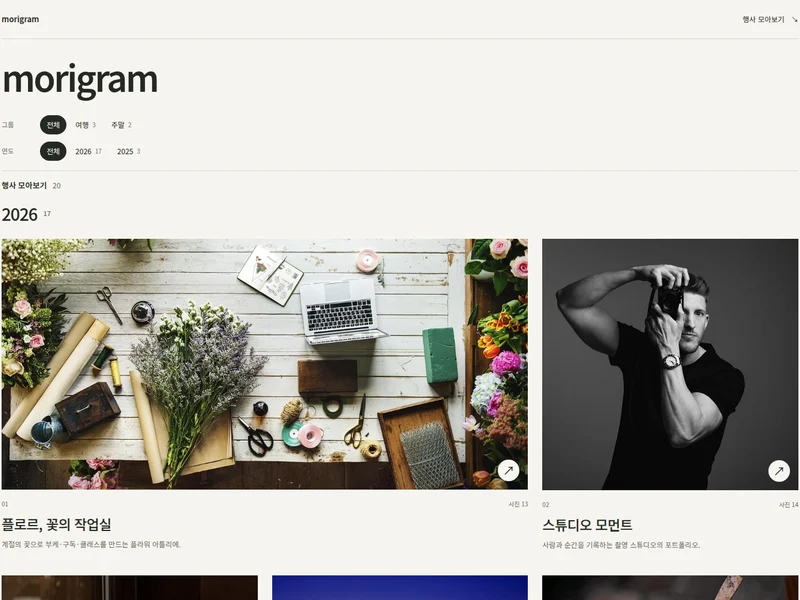
A generous grid for an archive that grows.
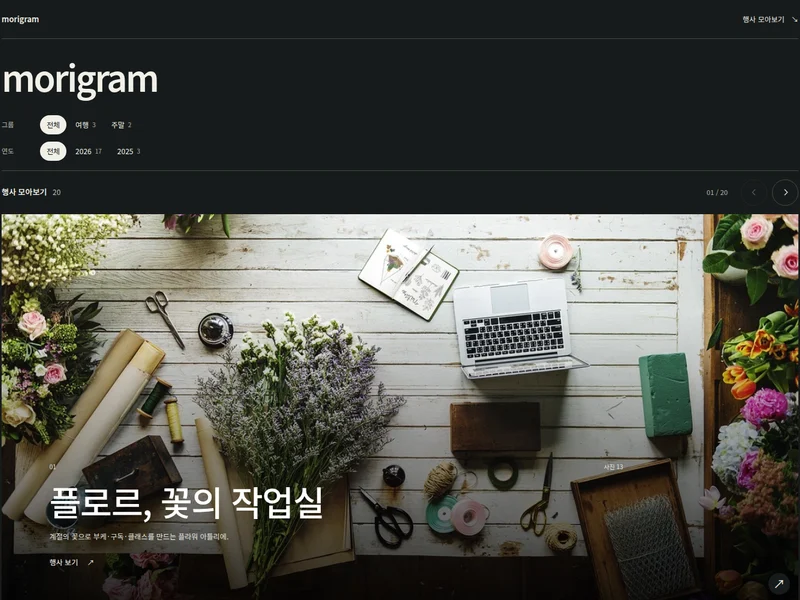
A dark stage for full-width photographs.
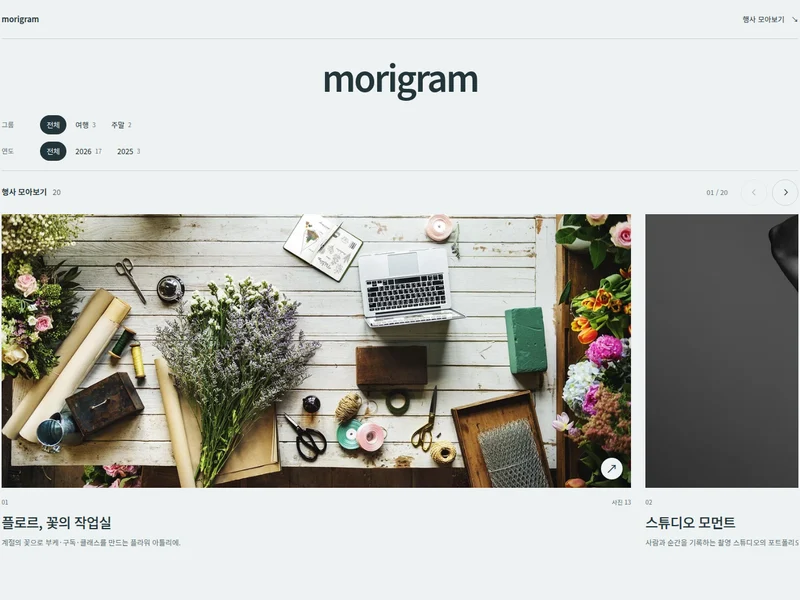
Wide photographs in a horizontal collection.
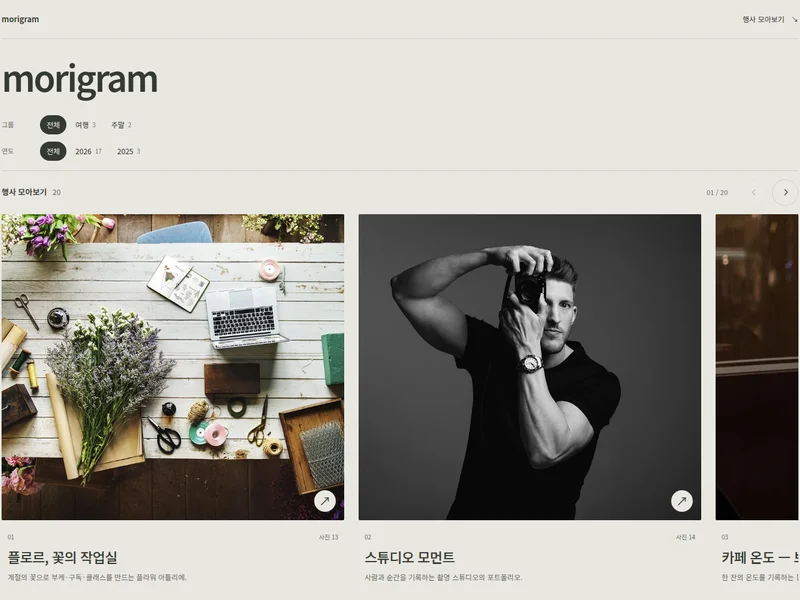
A gallery of covers to browse at your pace.
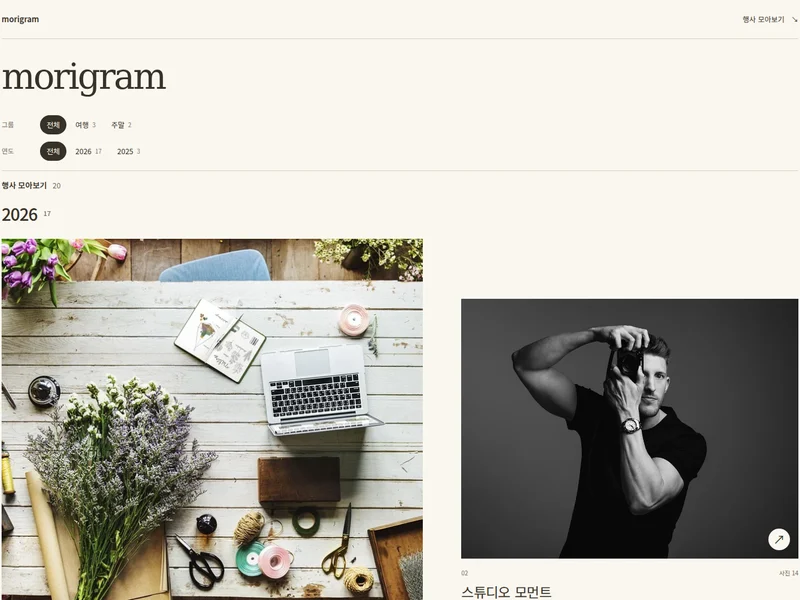
Asymmetric photographs with an editorial touch.
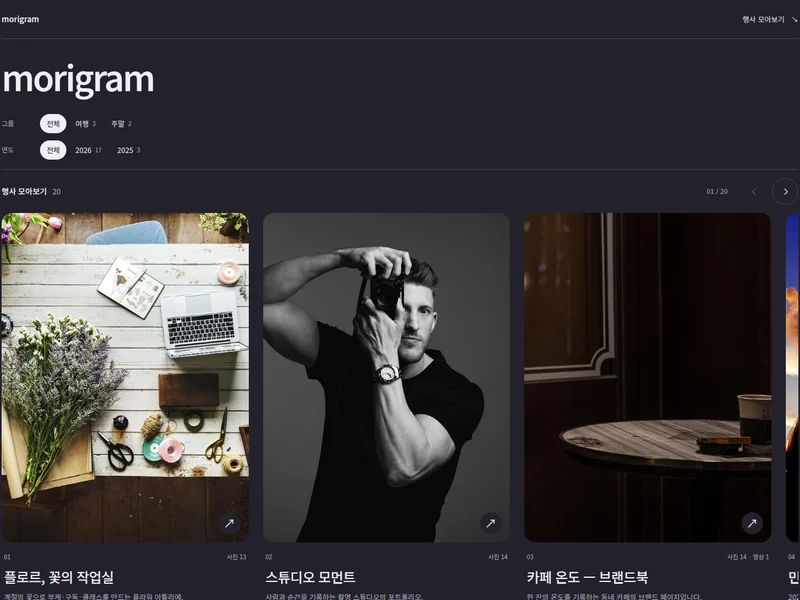
Portrait covers, made for a gentle swipe.
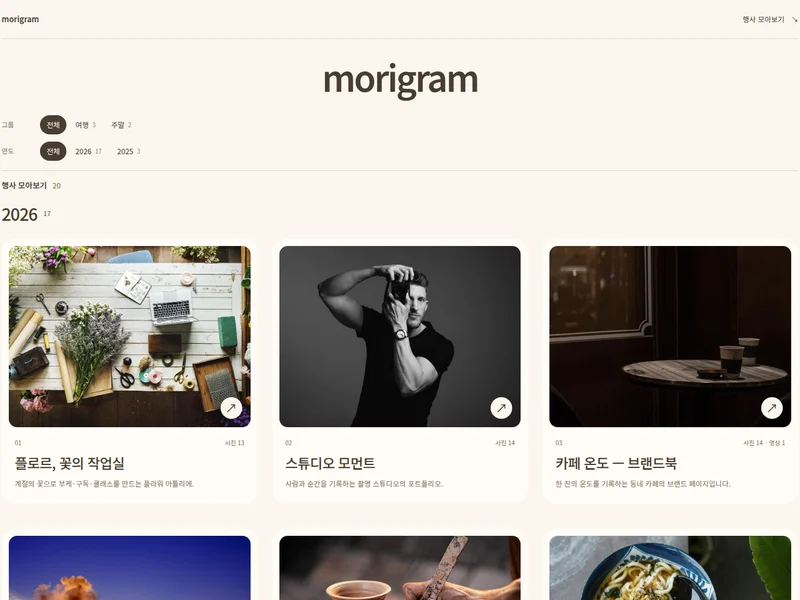
Warm colours and softly rounded photographs.
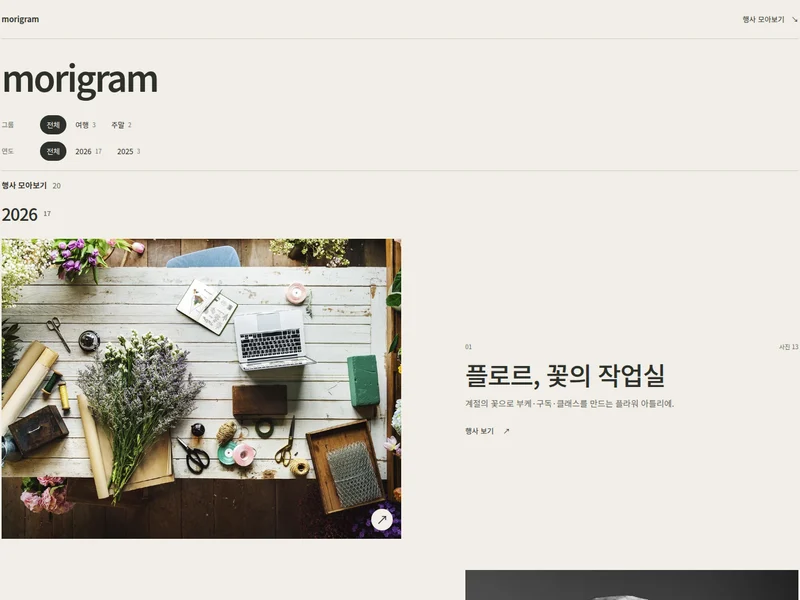
Photographs and stories, side by side.
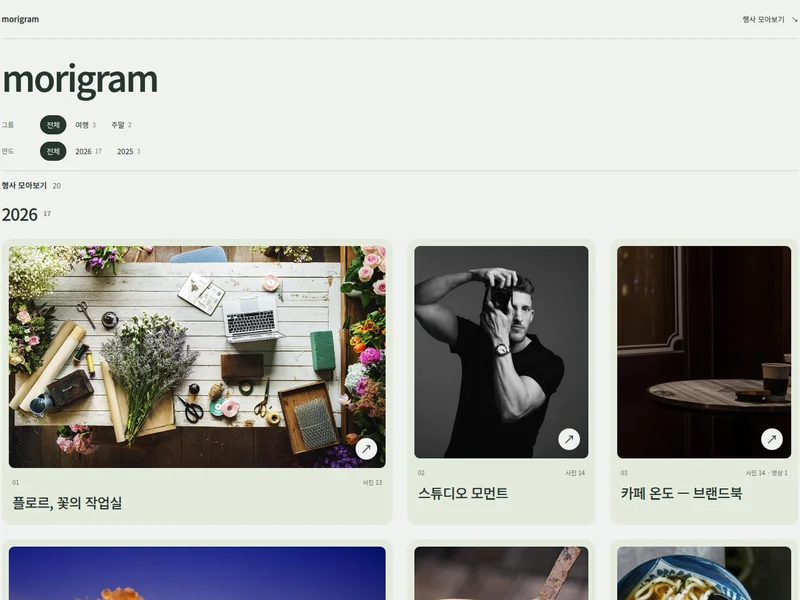
Different sizes, one neatly composed collection.
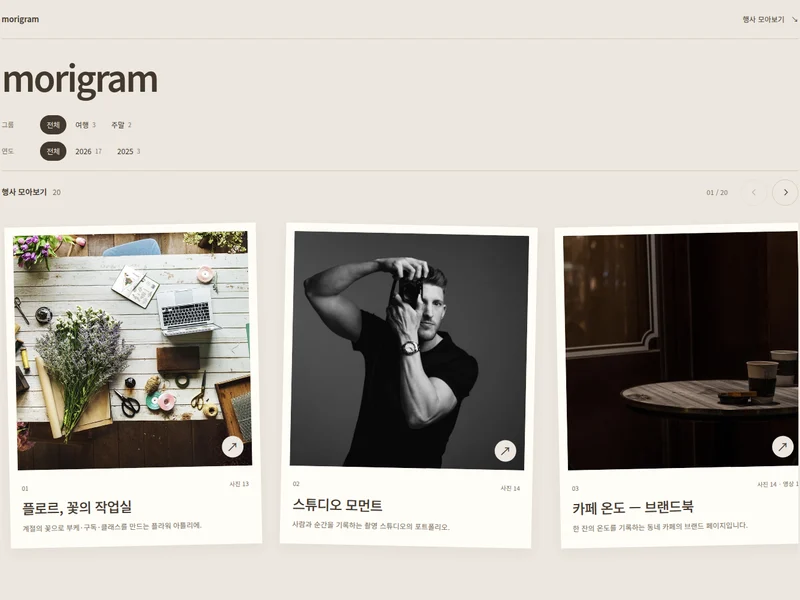
Small moments collected like printed photographs.
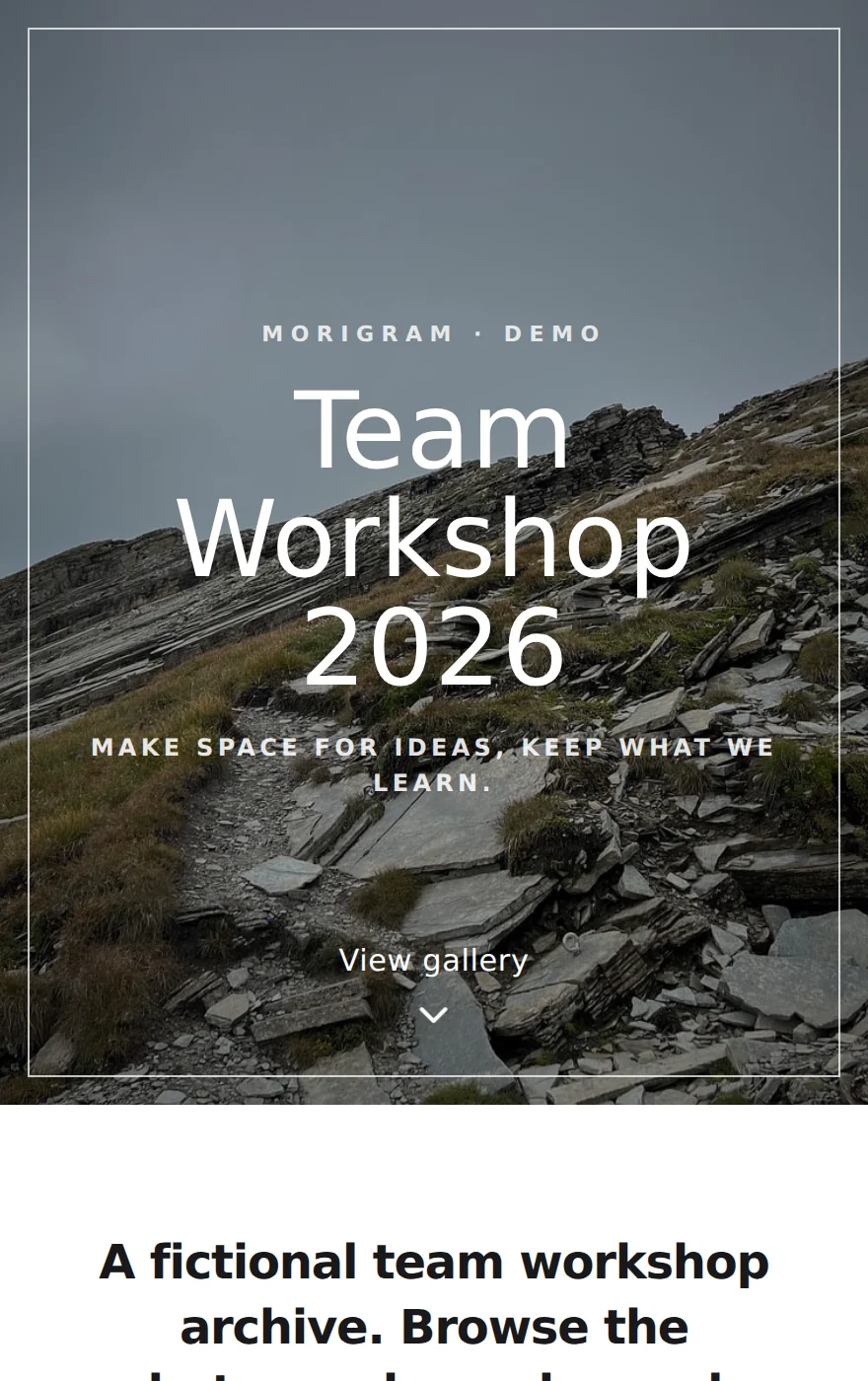
Keep team photographs, a sample schedule and budget ready for the next organizer.
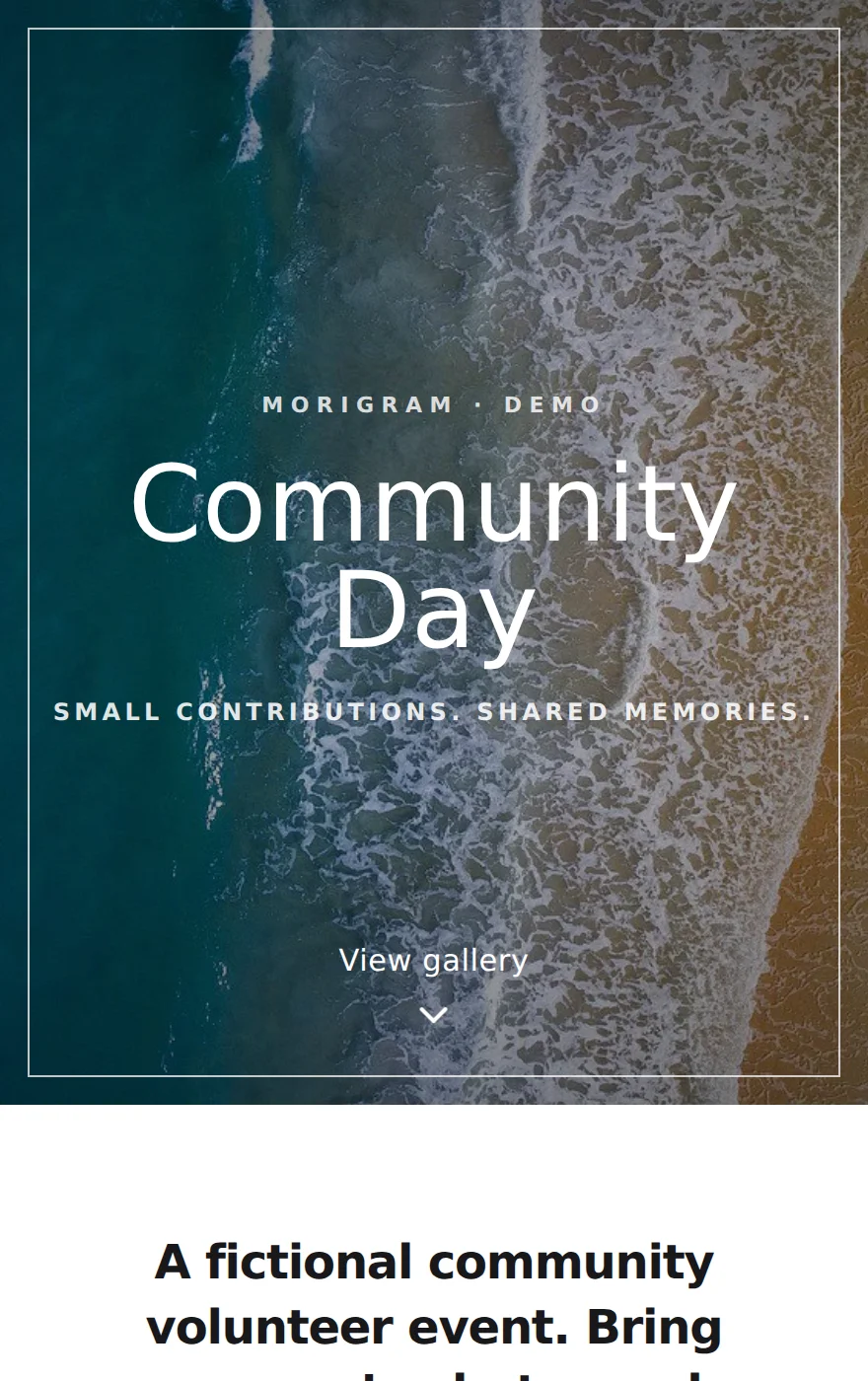
Collect shared moments and keep the resources for your next gathering.

Explore the gallery and open the sample schedule, budget and handover notes.

Share the celebration through a gallery with English titles and captions.
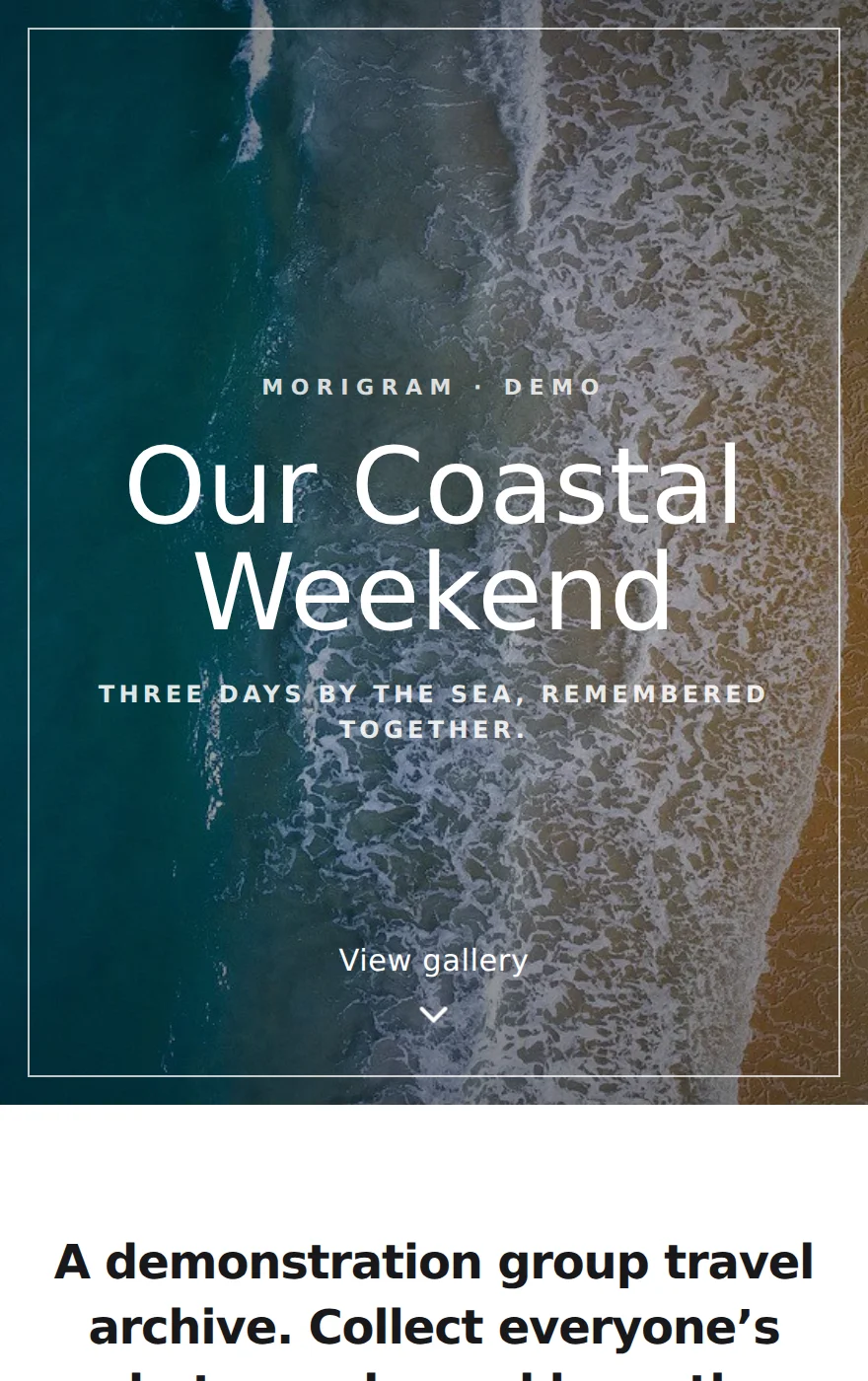
A travel page with photographs, an itinerary and resources for the next organizer.

Open the event website yourself with photos and introductions.
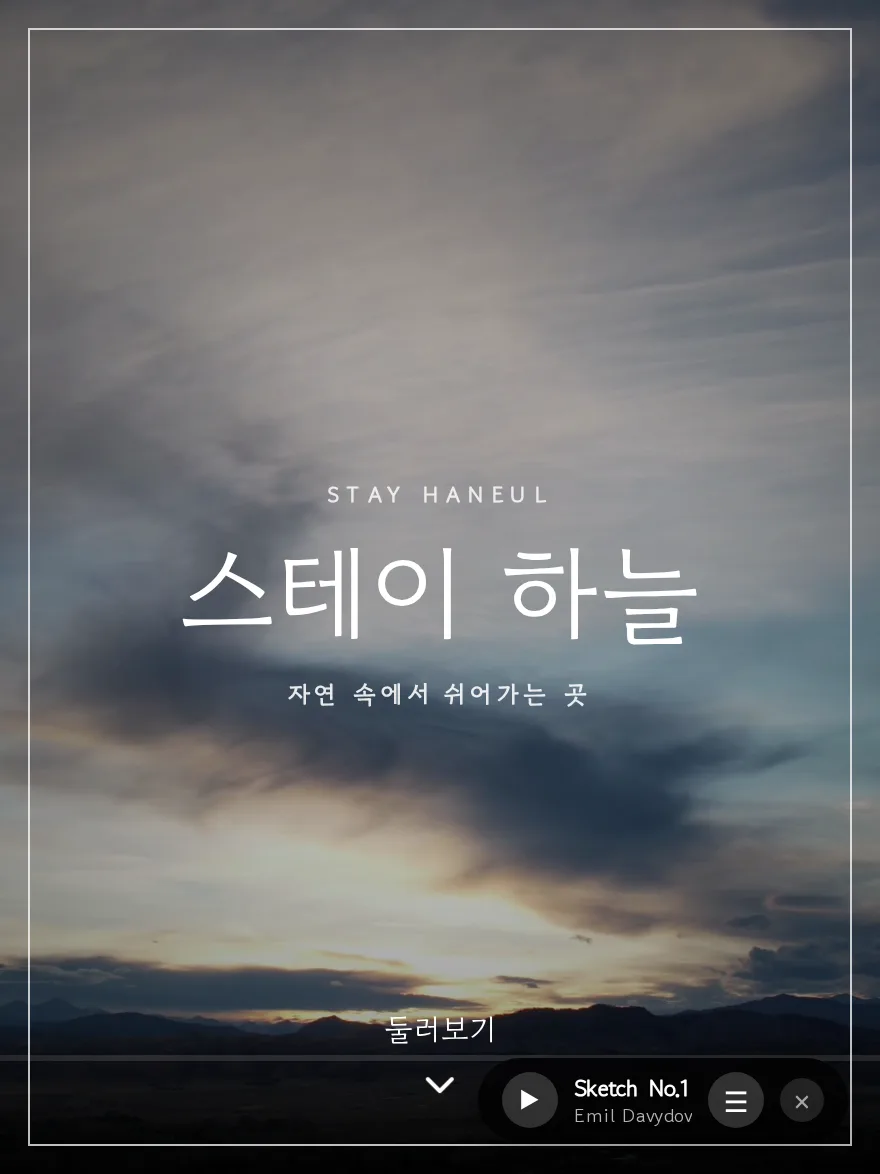
Showcase your stay with photos of the space and useful guest information.

Everything from event information to photo viewing can be delivered through one link.

Collect photos and videos of your little one growing day by day.

Bring the scenery and shared moments of a hike into one gallery.

Turn your cats’ everyday moments into an album to revisit.

Document your garden through the seasons as your plants grow.

Browse snowy scenery and shared winter memories in one place.

Collect photos of homemade meals and everyday moments at the table.

Pair travel photos with stories for a journey worth revisiting.

Tell your family’s story through treasured moments across the seasons.

Share your café’s character with its menu, space and directions.

Create a story of life with your dog, from daily walks to special days.
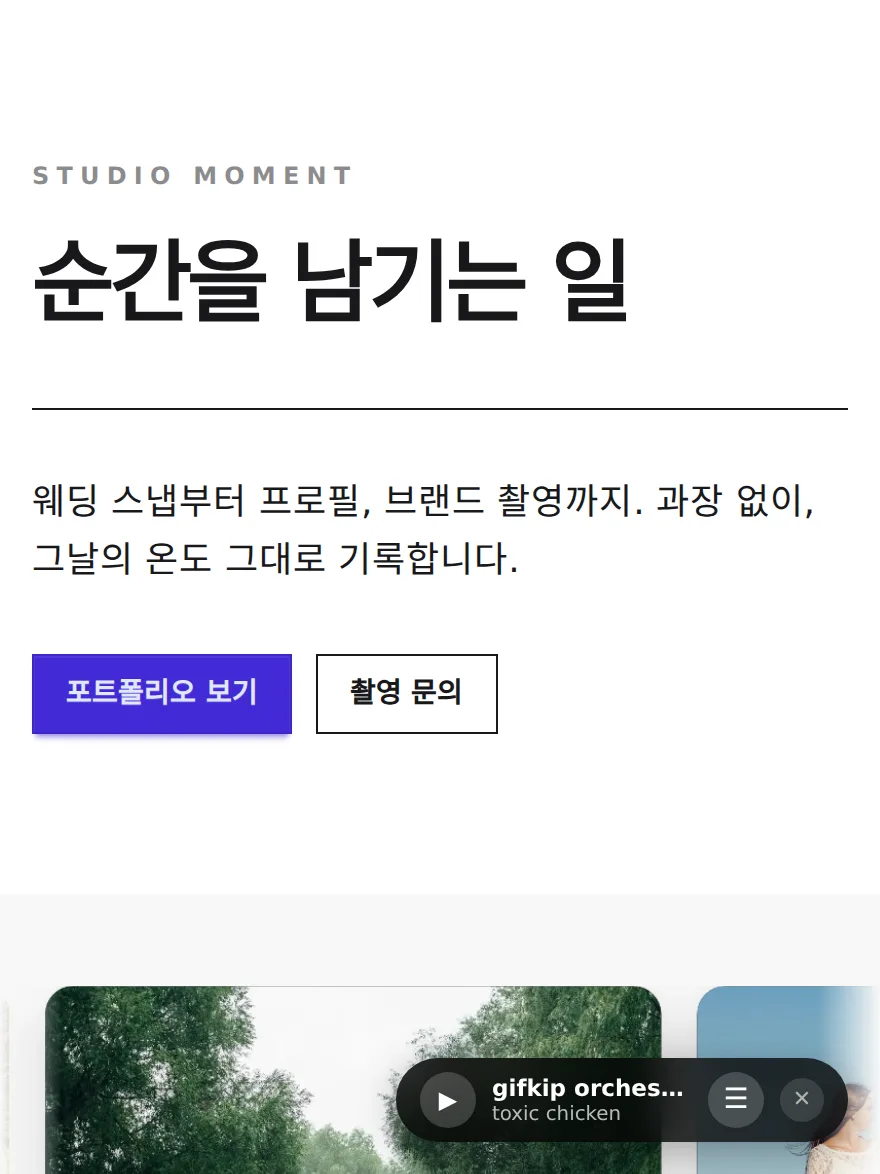
Present your work and space on a page that reflects your studio.

Gather a weekend trip’s photos in one gallery to enjoy and share.
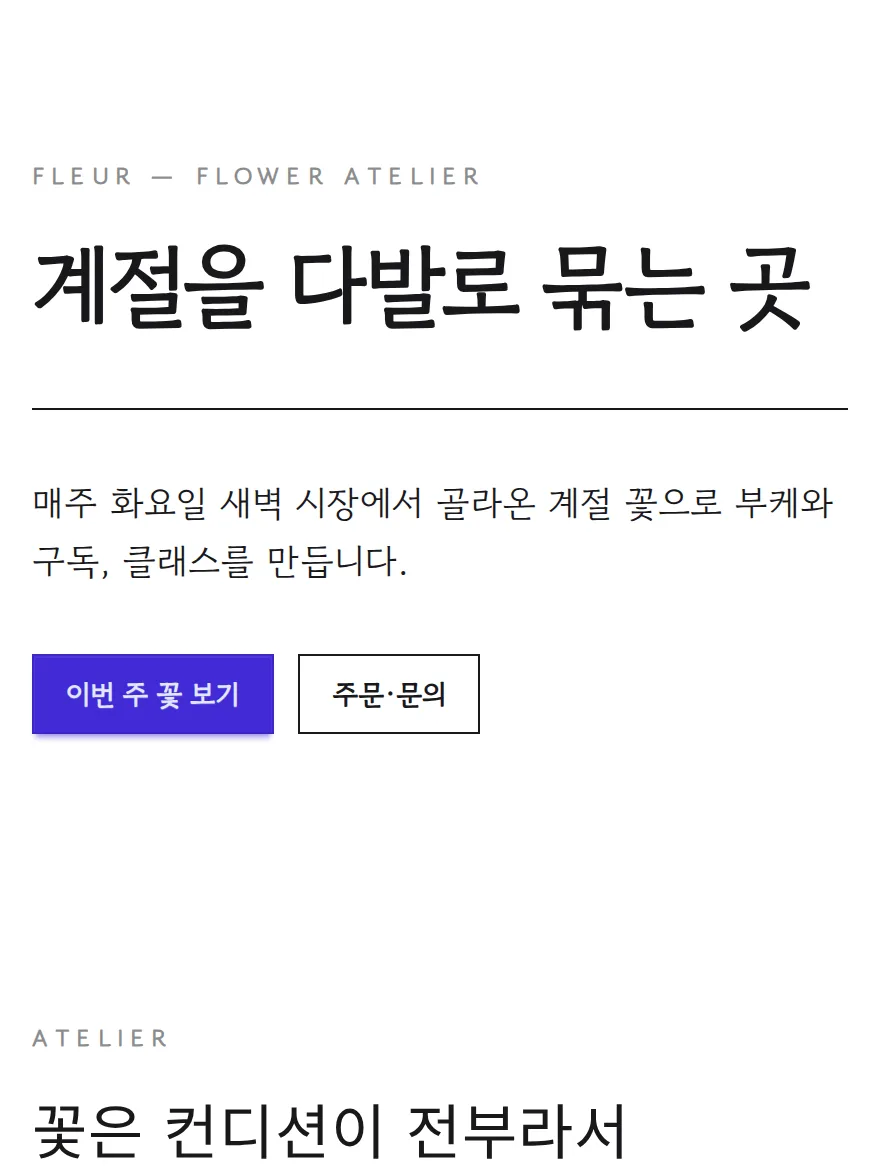
Combine floral creations with an introduction to your atelier.

Share the joy of a workshop, from the making process to finished pieces.
Next year, start with your records—not another search.
Keep your annual events beautifully organized with Morigram. Gather each year’s photos, videos and files by event, so you can revisit the memories and prepare for the next one.
Upload your own files or send a collection link or QR code to participants.
A gallery is enough to start. Add sections, themes, fonts and background music whenever you want.
Send your finished gallery or event website with a link or QR code, so everyone can revisit the photos, videos and stories together.
Store programs, schedules, handouts, and presentations in your album’s file library alongside your photos and videos.
Find the records you need after the event and revisit them when planning your next one.

Click to view the file room screenshot at full size.
Invite people to specific events and assign permissions. Invitees do not need their own paid subscription.
Basic includes event views and a 30-day chart. Pro and above add detailed brand and event analytics.


From collecting photos and videos to creating and sharing event websites, you can use it starting from Basic.
Try Basic features free for 14 days with 5GB total storage for photos, videos and event files. Each video is limited to 1GB. No card is required for the trial, and trial expiry alone does not trigger a charge. Paid subscriptions renew automatically on the selected monthly or annual cycle and include the selected plan’s storage allowance.
When collecting photos to create an event website
$15.00 / month
Manage with your team and analyze visits
$30.00 / month
More storage for more content and a larger team
$60.00 / month
This is a monthly payment basis. The annual payment amount and detailed limits for each plan are Compare all plansCheck it out here.
Yes. All you have to do is select the prepared design and components and add photos, videos, and an introduction. You can create a website tailored to your event without writing any code.
Yes. Upload photo and video files received from the photographer directly and send a QR code or link for collection to participants. You can decorate your event website with photos and videos gathered in one place.
Yes. Keep and share programs, handouts, and presentations in your album’s file library. Documents count toward your plan’s storage allowance.
Try Basic features free for 14 days with 5GB total storage for photos, videos and event files. Each video is limited to 1GB. No card is required for the trial, and trial expiry alone does not trigger a charge. Paid subscriptions renew automatically on the selected monthly or annual cycle and include the selected plan’s storage allowance.
When your trial ends, sharing, editing and uploads for events you own are restricted. You have 30 days to download your records or resume with a paid subscription. After the retention deadline and advance email notice, photos, videos, event files, links and event pages become eligible for permanent deletion. Existing users remain subject to their applicable retention policy. Check notification emails for your retention deadline.
Create an event and upload photos. Add design and documents when you need them.